


More control for admins. Fewer manual clean-ups for sales teams.
These updates make it easier to manage users, projects, and bookings — while reducing errors and manual follow-ups.
Better admin visibility & control
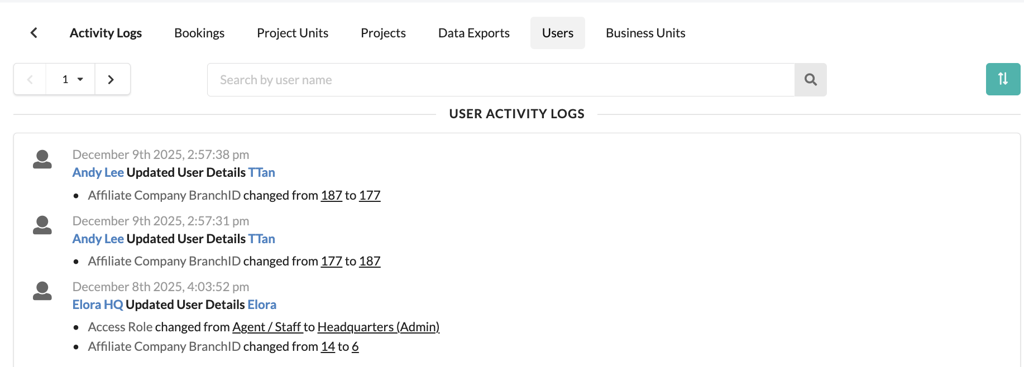
Admins now get clearer activity logs for user and business unit changes. This makes it easier to track who changed what, and when — especially useful for audits and internal reviews.
Self-service user access setup
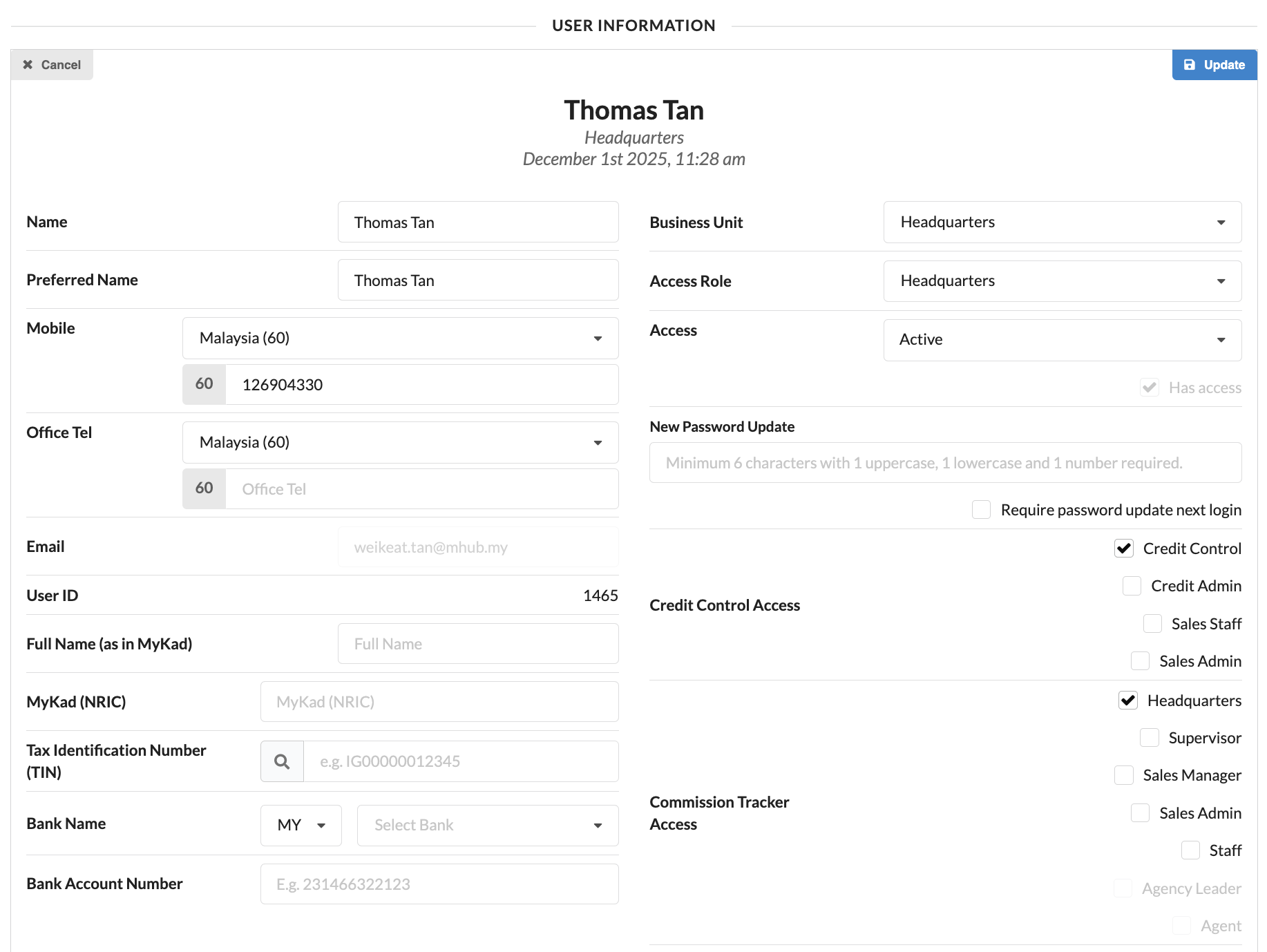
HQ and Admin users can now assign access for Commission and Credit Control teams directly when creating or updating users. No more back-and-forth with support just to get access right.
Cleaner project and reporting views
Deleted projects are now fully removed from the Overall Project view and Loan Tracker. This keeps reports clean and avoids confusion from outdated data.
More banks supported for bookings
Sales teams can now select Aeon Bank, KAF Digital Bank, and Ryt Bank during the booking process.
Automatic lawyer cancellation for expired bookings
When a booking officially expires, the system will now automatically cancel the lawyer assignment in the SPA Tracker — reducing missed steps and manual corrections.
Affordable housing reservation control
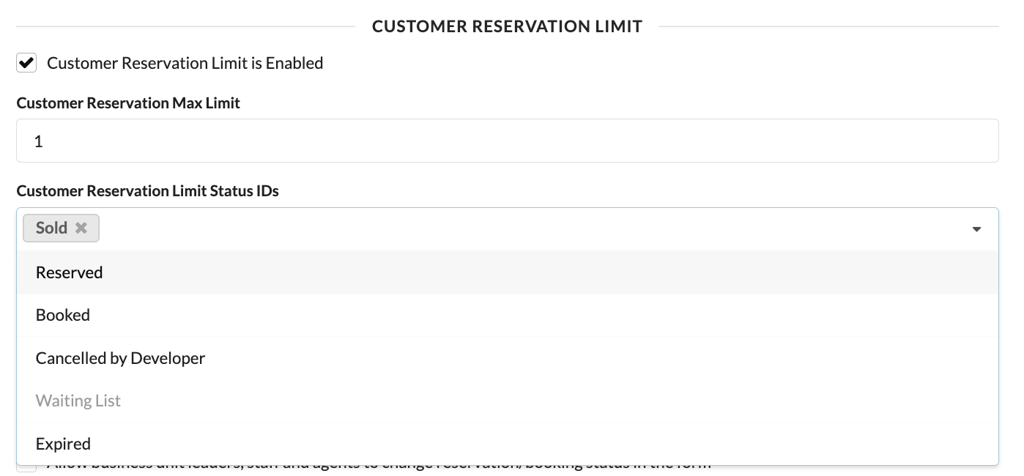
For projects like Rumah WIP, developers can now decide whether to enforce customer reservation limits using a simple toggle in Project Settings. You stay compliant without over-restricting sales.
Stability & accuracy improvements
- Fixed CRM autofill issues for non-NRIC identity types
- Corrected pricing calculations where disabled formulas were still affecting totals
- Improved activity log filtering accuracy
- Enforced image upload limits to keep the system fast and stable

We’ve strengthened the internal structure behind Credit Control so the system behaves more consistently across projects, invoices, and integrations. This reduces the kind of edge-case issues that usually show up as “random” bugs or mismatched data, giving teams a smoother experience when managing collections.
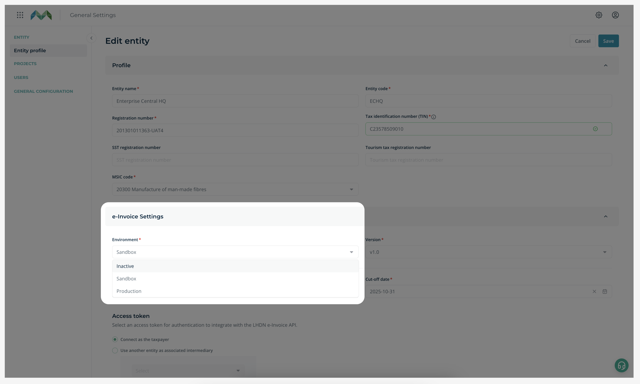
The old CRC toggle workflow has been removed and replaced with clearer subscription-based checks. Credit Control now detects e-Invoice and accounting access more accurately, so features appear only when they should — reducing confusion, misconfigurations, and incorrect enablement.
Transaction offset handling has been cleaned up to remove outdated and duplicate records. Unallocated amounts can now be checked more reliably, making it easier for finance teams to track what’s outstanding and avoid reconciliation headaches.
General settings have been reorganised into clearer, product-based categories. Credit Control settings now sit separately from enterprise and accounting configurations, making it easier for admins to understand what controls what — and reducing the risk of conflicting settings across systems.
Batch invoice approval now follows a stricter and more predictable sequence based on project, unit, document number, and document date. This ensures invoices are approved and posted correctly, especially when syncing with enterprise systems.
Bulk invoice processing has been streamlined to reduce errors during large invoice runs. This improves reliability when generating or approving invoices at scale, particularly during peak billing periods.

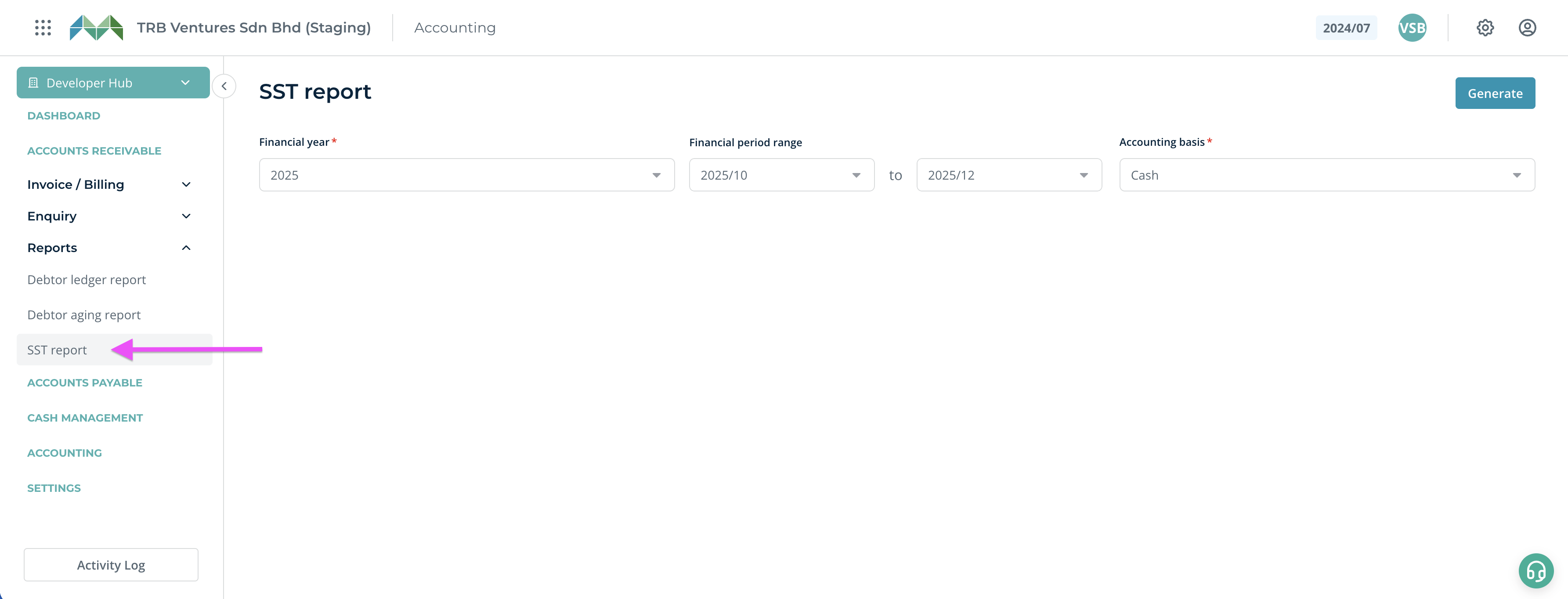
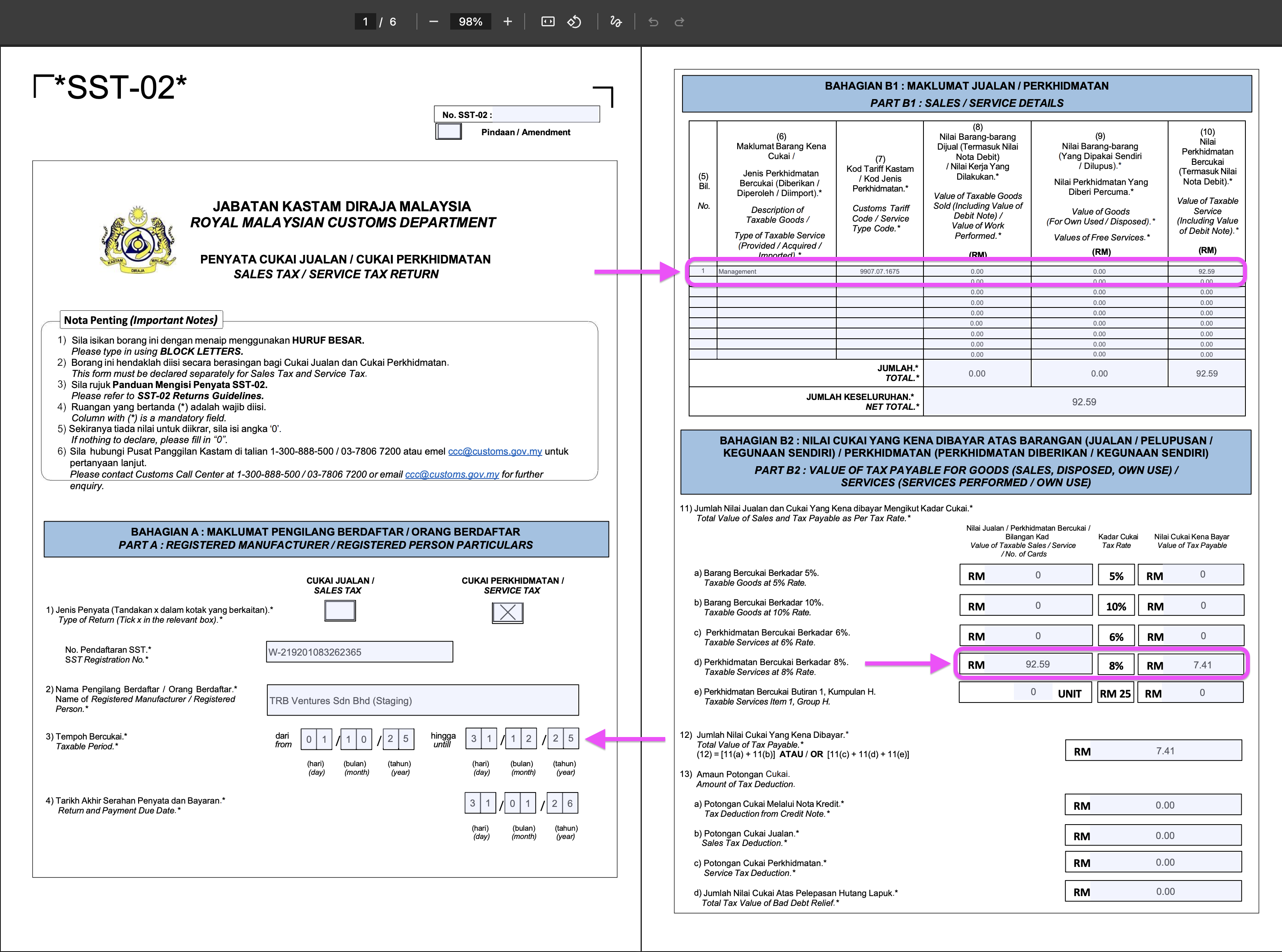
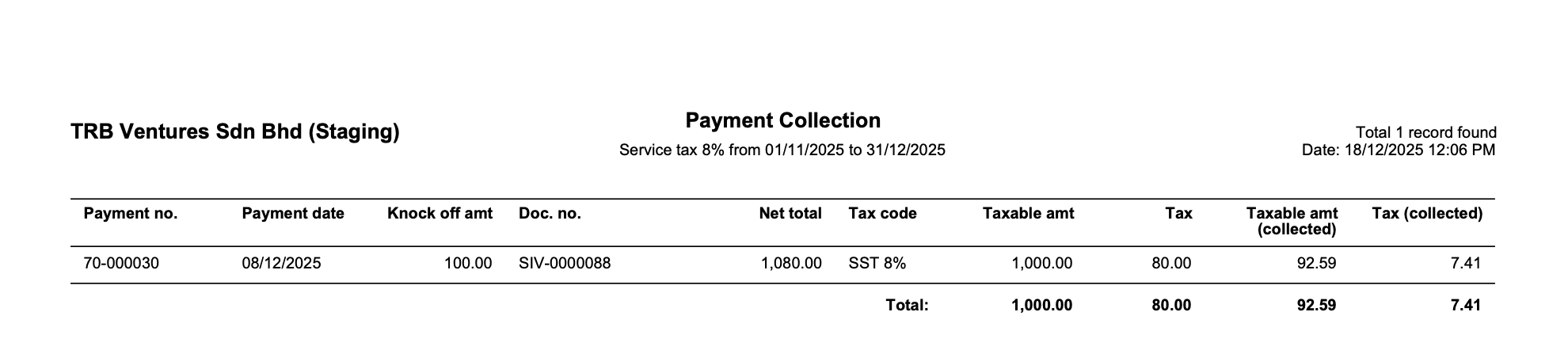
Finance teams can now generate an SST-02 tax report directly from MHub, with taxable amounts, collections, and figures structured in a submission-ready format. This reduces the need to manually compile data across invoices and reports before filing.
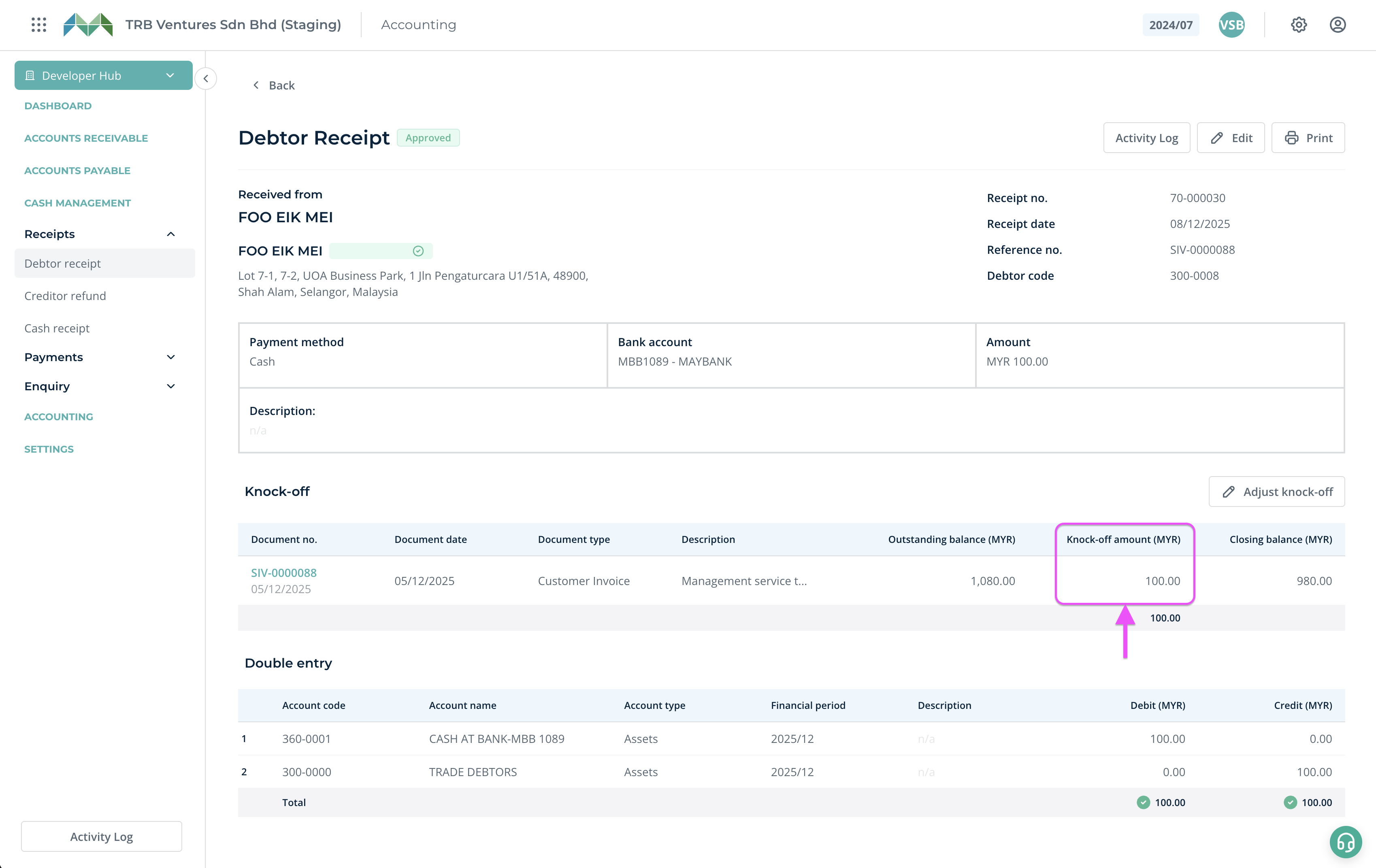
When posting backdated invoices or adjustments, entries are now restricted to valid open financial periods, preventing accidental posting into closed months and reducing clean-up work during audits or closing.
Debtor and creditor aging reports now display document-level details, making it easier to understand exactly which invoices are overdue and how long they’ve been outstanding.
Multiple debtor or creditor ledgers can now be printed in one go, instead of exporting each account individually. This makes audit preparation and internal reviews significantly faster.
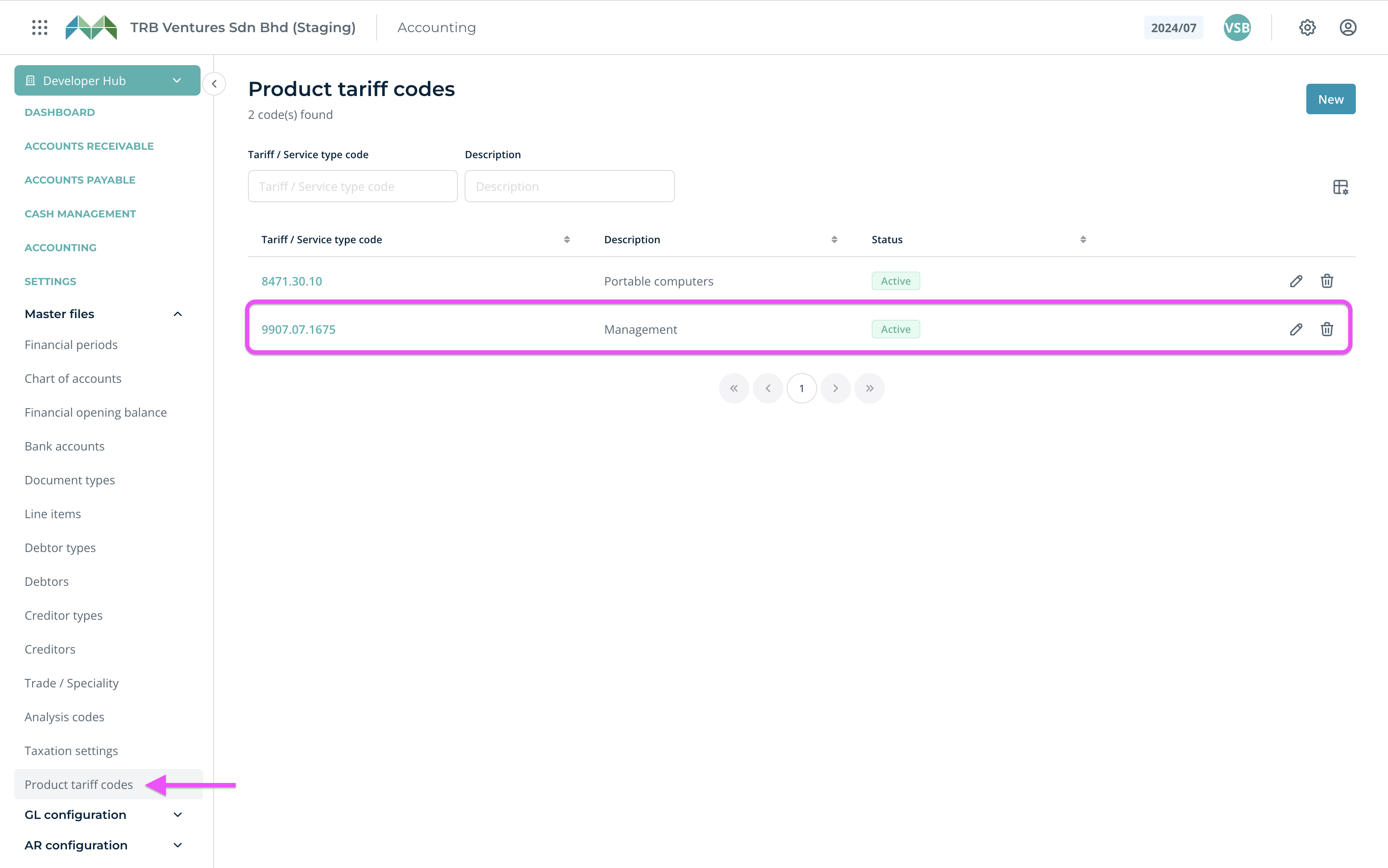
e-Invoices now submit tariff codes at the line-item level, with tax calculated based on actual knock-off values rather than rounded totals. This aligns submissions more closely with LHDN requirements and reduces rejection risks.
Accounting calculations now support up to five decimal places on line items, improving accuracy for pricing, tax computations, and reconciliations where rounding previously caused small discrepancies.

